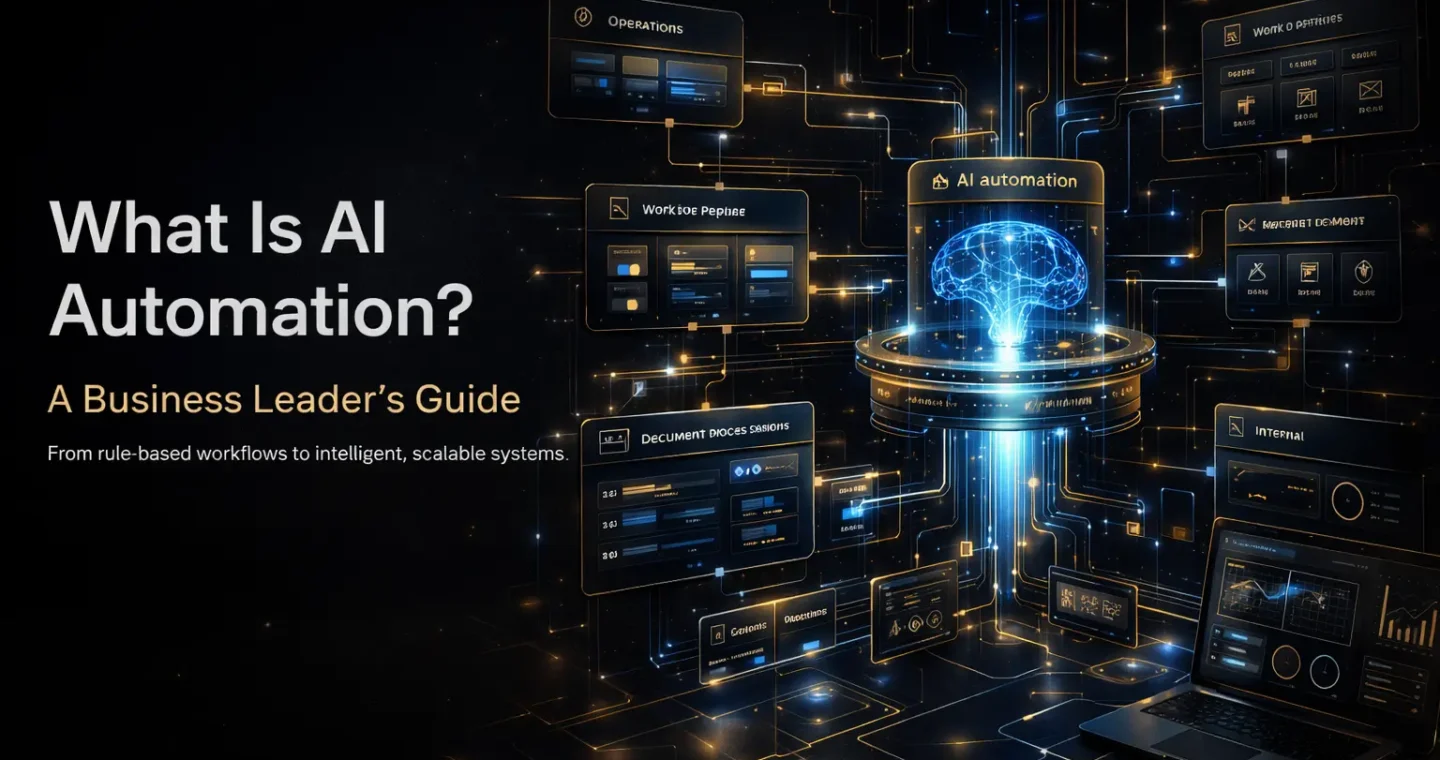
AI automation is the use of artificial intelligence inside automated workflows so systems can do more than follow fixed rules. Traditional automation handles structured, repetitive steps. AI automation adds capabilities like language understanding, pattern recognition, prediction, classification, and decision support. IBM describes intelligent automation as a combination of AI, business process management, and robotic process automation that helps streamline and scale decision-making, while Microsoft defines business process automation more broadly as technology that streamlines routine and repetitive work across an organization.
For business leaders, that difference matters.
A standard automation can move data from one system to another when the path is clear. AI automation can help when the input is messy, the request is written in natural language, the document is unstructured, or the next step depends on interpretation rather than a simple rule. IBM’s enterprise automation guidance explicitly points to AI, machine learning, and workflow optimization as part of modern enterprise automation.
So the most useful definition is this:
AI automation is the use of AI-enabled systems to interpret information, support decisions, and execute or accelerate business processes with less manual work. This definition is an inference from IBM’s descriptions of automation, intelligent automation, enterprise automation, and AI-powered automation.
What AI automation actually means
In plain terms, AI automation sits between simple workflow automation and fully autonomous systems.
It does not mean “replace people with AI.”
It does not mean “let the model do anything it wants.”
Instead, it means using AI where fixed rules alone are not enough.
For example, a rule-based workflow can send every invoice email to finance. AI automation can read the email, identify that it is an invoice, extract key details, classify urgency, and trigger the right approval path. IBM describes this kind of shift as moving from simple task automation toward systems that can learn from patterns, analyze unstructured data, and support more complex work.
That is why AI automation is becoming more important across operations, customer support, finance, internal workflows, and knowledge-heavy business processes.
Why AI automation matters now
Most business work is not fully structured.
Teams deal with:
- emails
- documents
- support tickets
- CRM notes
- approvals
- contracts
- research summaries
- handoffs between systems
Traditional automation works well when every step is predictable. However, many modern workflows involve language, ambiguity, and changing context. That is where AI adds value. IBM’s enterprise AI guidance says enterprise AI helps organizations automate repetitive tasks, streamline business functions, and use data more effectively across areas like customer service, automation, and risk management.
For a business leader, the real opportunity is not “doing AI.” It is removing friction in parts of the business where manual interpretation slows execution.
AI automation vs traditional automation
This is the distinction most companies need to understand first.
Traditional automation
Traditional automation follows predefined instructions.
Examples:
- when a form is submitted, create a task
- when a lead enters the CRM, notify sales
- when a payment clears, update the status field
This works best when:
- the trigger is clear
- the logic is fixed
- the process rarely changes
- inputs are structured
AI automation
AI automation adds intelligence to the workflow.
Examples:
- classify support tickets by intent
- summarize call notes into CRM-ready fields
- extract information from contracts or invoices
- decide which workflow path best fits a request
- generate a draft response based on internal knowledge
IBM describes intelligent automation as AI-driven automation that helps machines learn and make decisions based on analyzed situations, rather than just executing static rules.
The practical difference is simple:
- traditional automation follows the path
- AI automation helps interpret the path
The core components of AI automation
Most AI automation systems are built from a few layers.
Trigger layer
Something starts the workflow:
- an email arrives
- a document is uploaded
- a form is submitted
- a ticket is created
- a CRM record changes
Intelligence layer
This is where AI adds value.
Depending on the use case, the AI may:
- classify text
- extract information
- summarize content
- predict outcomes
- recommend the next action
- generate a draft
Workflow layer
After the AI step, the system routes work based on rules, thresholds, approvals, or business logic.
Action layer
The system then does something:
- update a system
- assign a task
- send a notification
- request approval
- create a report
- trigger another process
This layered view reflects how enterprise automation combines integrations, workflows, and AI capabilities instead of relying on the model alone.
Where AI automation creates the most business value
AI automation is strongest where work is repetitive but not fully structured.
Customer support
AI can classify tickets, summarize conversations, suggest replies, and route cases more accurately than simple keyword rules when customer requests vary in wording and complexity. IBM highlights customer service as a core enterprise AI use case.
Sales and revenue operations
AI automation can enrich leads, summarize meetings, clean CRM text, prepare briefs, and support proposal workflows. The value is usually speed and consistency, not replacing sales teams.
Finance and administration
Invoice handling, document processing, approval routing, and extraction from unstructured files are common fits because they combine repetitive work with language or document interpretation. IBM’s automation guidance specifically mentions document processing and broader process optimization as automation use cases.
Internal operations
Operations teams often use AI automation for reporting, knowledge retrieval, workflow triage, and status summarization across systems. That helps reduce coordination drag between departments.
What AI automation is not
This part is important because the term gets overstated.
AI automation is not:
- a magic replacement for bad processes
- a reason to skip workflow design
- the same as a chatbot
- the same as an AI agent
- safe by default in high-risk decisions
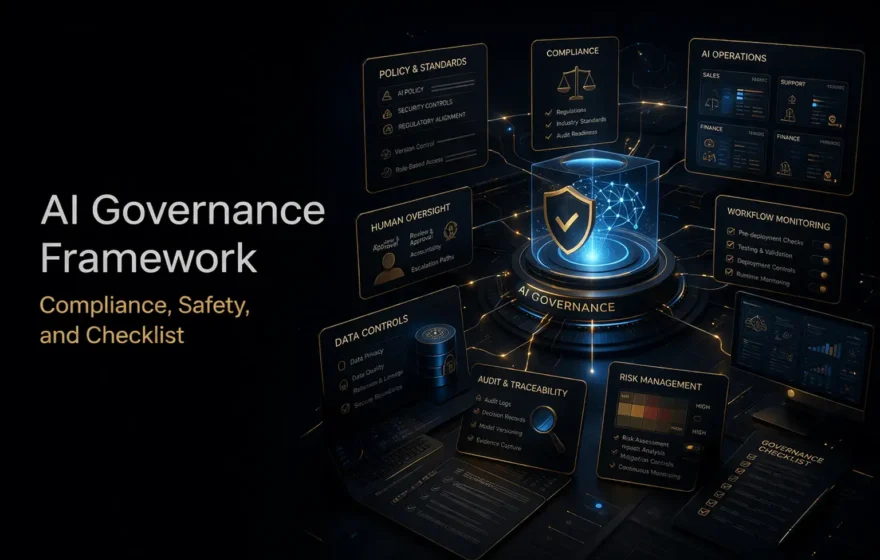
NIST’s AI Risk Management Framework says organizations should manage AI risks throughout design, development, deployment, use, and evaluation, and it highlights trustworthiness characteristics such as validity, safety, security, transparency, privacy enhancement, and accountability. NIST’s Generative AI Profile extends that thinking to generative systems specifically.
So when companies talk about AI automation, the right question is not “Can AI do this?” The better question is “Can AI improve this workflow in a controlled, measurable way?”
The best first use cases for AI automation
The strongest early use cases usually have five traits:
- high volume
- repetitive effort
- language-heavy or document-heavy inputs
- clear business value
- manageable risk
Good starting points include:
- support ticket classification
- meeting note summaries
- internal knowledge assistants
- document extraction workflows
- approval routing with AI-based categorization
- reporting and status summarization
These are strong because they create visible productivity gains without requiring uncontrolled autonomy. That direction aligns with IBM’s positioning of AI-powered automation as a way to discover patterns, support decisions, take action, and optimize workflows.
The risks leaders should understand
AI automation can create major upside, but weak implementation creates avoidable problems.
The common risks include:
- inaccurate outputs
- poor data handling
- weak governance
- over-automation of sensitive processes
- lack of human review
- unclear responsibility when something fails
NIST recommends structured risk management for AI systems, including attention to safety, resilience, explainability, transparency, privacy, fairness, and accountability.
That is why mature AI automation programs do not start with the most ambitious use case. They start with the most useful one that can be governed properly.
How business leaders should approach AI automation
A practical approach looks like this:
Start with one workflow
Choose a real process, not a vague ambition.
Good examples:
- support triage
- invoice processing
- sales meeting summaries
- internal knowledge search
- document-heavy approval flows
Define the business outcome
Measure:
- time saved
- cycle-time reduction
- error reduction
- throughput improvement
- better employee response speed
- more consistent execution
Add control before scale
Use:
- approval steps
- permission boundaries
- audit logs
- fallback logic
- human review where risk is high
Improve the process, not just the model
A weak process does not become strong just because AI was added to it.
That point is easy to miss. However, it is often the difference between a useful automation program and an expensive demo.
What AI automation really means for business growth
The companies that get the most from AI automation usually are not the ones chasing the flashiest implementation.
They are the ones using AI to remove friction from real work.
That is the commercial value.
When AI automation is designed well, it can:
- shorten cycle times
- reduce repetitive workload
- improve consistency
- help teams focus on judgment instead of admin
- make operations more scalable without multiplying manual coordination
That is why AI automation matters to business leaders. It is not only a technology topic. It is an operating model advantage.
And the real leverage does not come from adding AI everywhere. It comes from adding it where interpretation, speed, and workflow design meet.
If your team is exploring where AI can improve real business processes, our AI automation services are built to turn that into something practical, structured, and measurable.
FAQ
What is AI automation in simple terms?
AI automation is the use of artificial intelligence inside automated workflows so systems can interpret information, support decisions, and reduce manual work in business processes.
How is AI automation different from traditional automation?
Traditional automation follows fixed rules. AI automation adds capabilities like classification, extraction, prediction, and language understanding when the input is less structured or more complex.
What are examples of AI automation in business?
Common examples include support ticket triage, invoice data extraction, CRM note summarization, internal knowledge assistants, and approval workflows that use AI to interpret requests. These fit the broader enterprise automation and enterprise AI patterns described by IBM.
Is AI automation the same as a chatbot?
No. A chatbot is an interface. AI automation is a broader workflow capability that can include models, rules, integrations, approvals, and system actions. This is an inference from IBM’s definitions of enterprise AI, intelligent automation, and enterprise automation.
What should leaders watch out for with AI automation?
Leaders should pay attention to accuracy, governance, privacy, transparency, accountability, and human oversight in higher-risk workflows. NIST’s AI Risk Management Framework and Generative AI Profile both emphasize structured risk management for AI systems.